Quick File Content Copier
A downloadable File Content Copier for Windows and Linux
A calm, read-only companion for exploring files and Git — fast, safe, and beautiful
This application was born from a very familiar frustration:
sharing the right files, the right context, and the right Git state takes far too long.
Whether you’re a software developer or a documentation specialist, you’ve probably done this dance:
- Open a file
- Copy its content
- Exclude noise
- Format it for Markdown
- Check Git status
- Copy diffs or logs
- Repeat… carefully
This tool brings all of that together — without ever modifying your file system or your repositories.
🔒 Read-only by design (non-negotiable)
The application is strictly read-only.
It will never:
- Modify files
- Write to disk
- Change Git state
- Stage, commit, or reset anything
It only reads what is visible, on demand, and copies data to your clipboard.
This makes it safe for sensitive projects, shared machines, and peace-of-mind workflows.
🎯 What this app is for
This is not a replacement for your editor, terminal, or file explorer.
It is a context-sharing accelerator.
The app helps you:
- Copy file contents in one click
- Copy clean, noise-free directory trees
- Share Git status, diffs, and logs instantly
- Provide precise context to teammates, docs, or LLMs
- Do all of this in under 2 seconds
Speed, clarity, and trust are the priority.
📂 Smart, safe file exploration
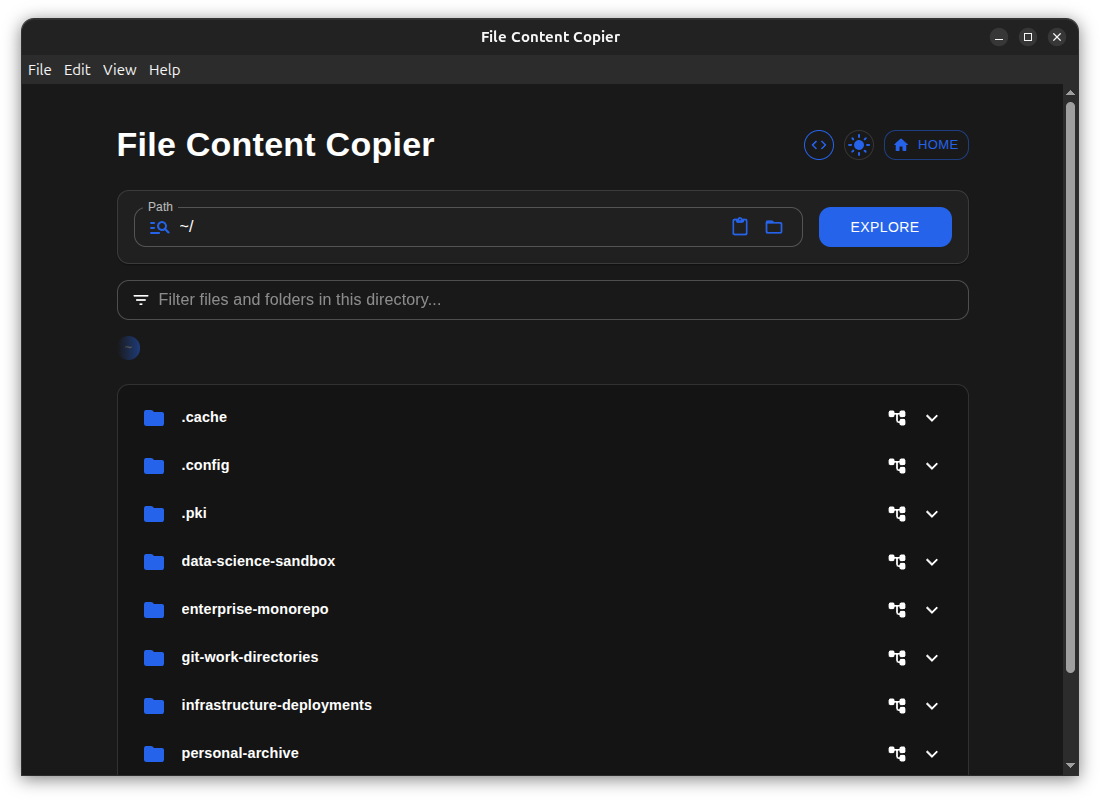
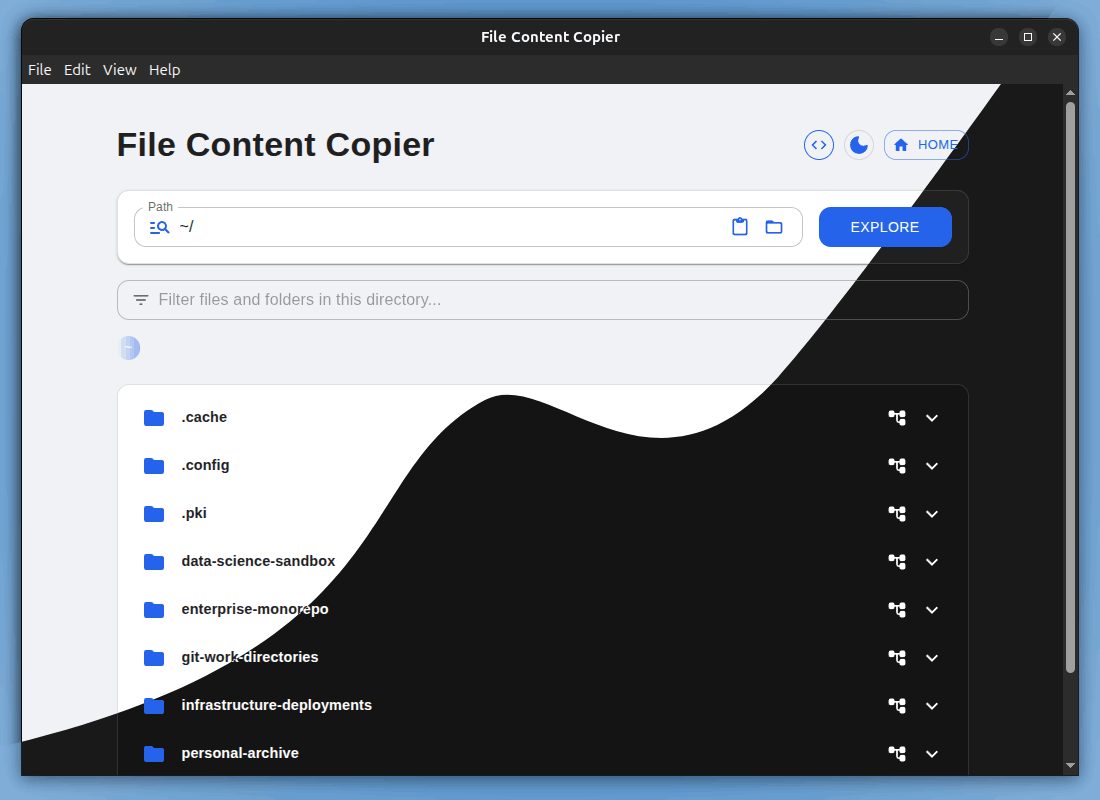
- Recursive, tree-style file browser
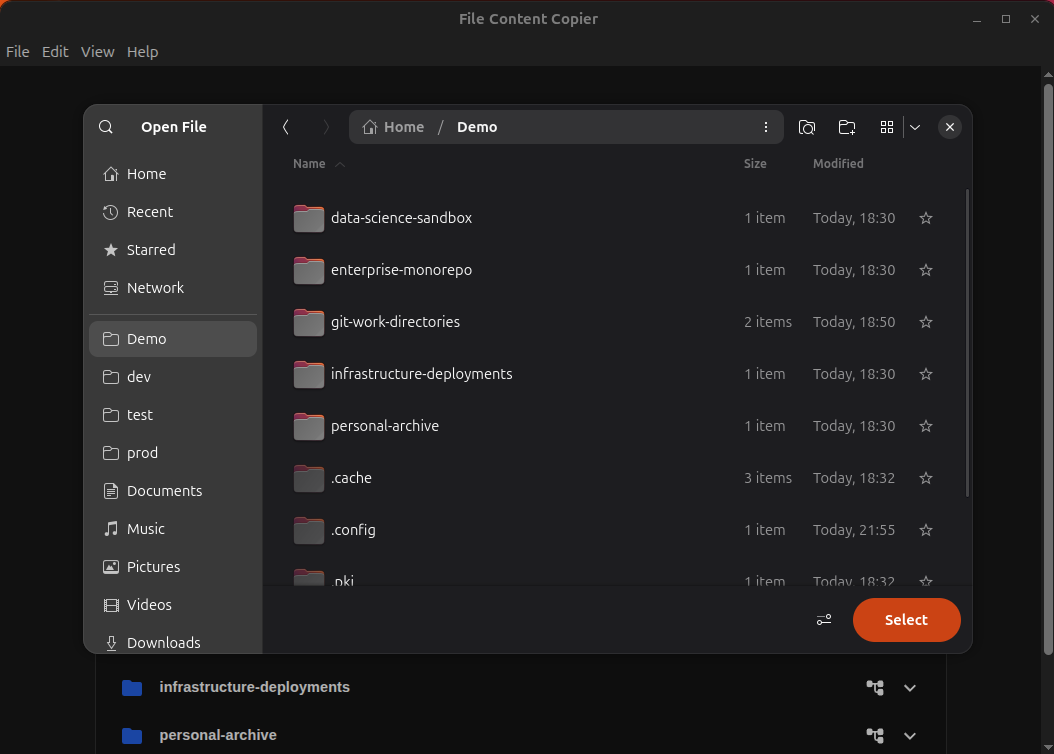
- System-critical directories are inaccessible by design
- Highest accessible level is your user space (e.g.
/home/<username>) - Directories can expand inline or become a new root
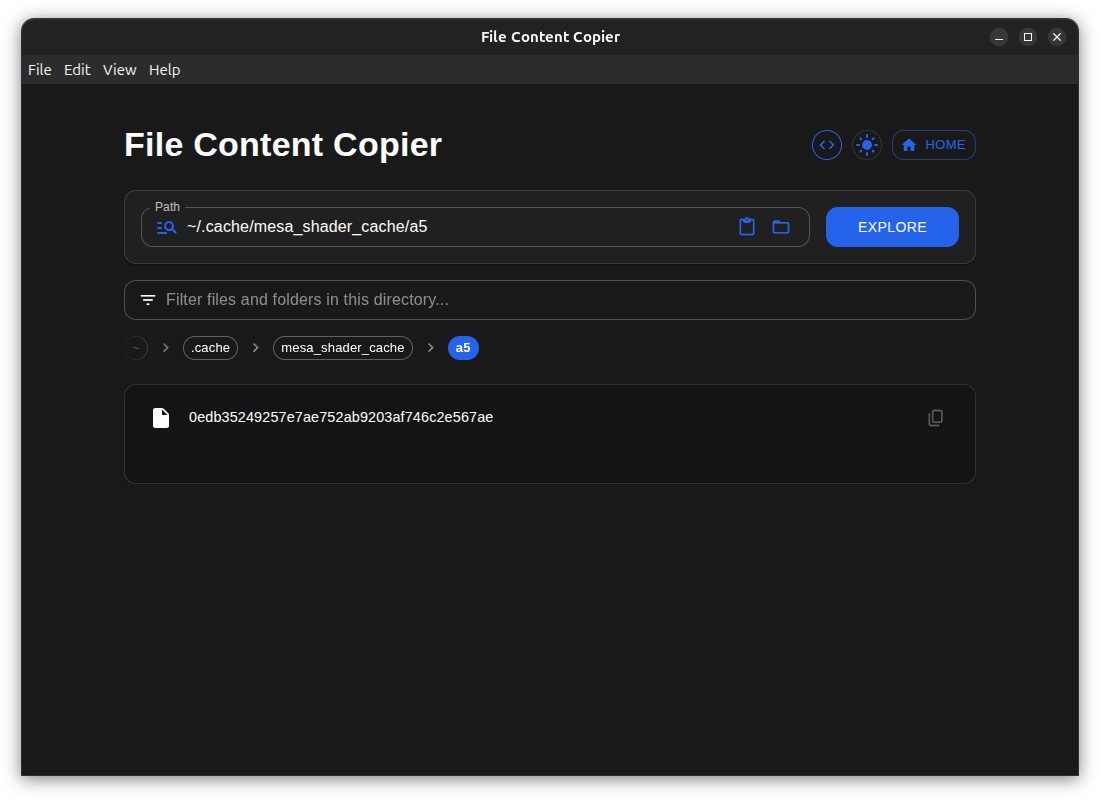
- Non-cluttering breadcrumbs keep you oriented
- A persistent Home button brings you back instantly
🧹 Noise-free by default
The app automatically hides:
- Images, audio, video, binaries
- Files above a configurable size
- Heavy or auto-generated directories such as:
node_modules.devbox- Build artifacts and similar
You see what matters — and only what matters.
📋 One-click copy (with clear feedback)
- Copy file contents instantly
- Copy full directory trees in one action
- Visual feedback confirms exactly what was copied
- Errors are explicit and informative
🌲 Copy clean directory trees
- Generate a recursive directory tree representation
- Large or irrelevant directories are excluded automatically
- Ideal for documentation, reviews, and context sharing
🔍 Smart path search
- Jump directly to a directory by typing its path
- Best-match suggestions handle typos and partial paths
- If the path points to a file, its content is copied immediately
- Every action provides explicit visual feedback
🧠 Efficient by design
- Content is loaded only when visible
- Invisible data is never kept in memory
- Pagination ensures smooth browsing in large directories
- Fast, responsive, and lightweight
📝 Copy modes
-
Plain Text Mode
Copies content exactly as it exists. -
Markdown Mode
Wraps content in a formatted Markdown code block with language inferred from the file extension.
🌱 Git exploration (read-only, of course)
🧭 Repository awareness
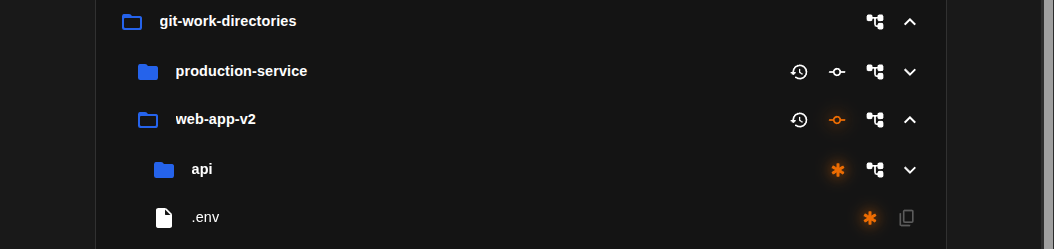
- Directories are marked when they are Git working directories
- The current branch is displayed directly in the tree
📊 Git status at a glance
- Repositories with uncommitted changes visibly light up
- Clicking the branch indicator copies a human-readable Git status
🕰 Copy Git history
- One-click copy of the Git log for a repository
- Perfect for reviews and discussions
📁 Change propagation indicators
- Directories indicate if they contain changed files
- Works recursively through children and grandchildren
📄 File-level diffs
- Files with uncommitted changes are clearly marked
- Clicking the indicator copies the Git diff for that file
- No terminal. No commands. No risk.
All Git features are strictly read-only and never alter repository state.
🎨 UI & UX principles
This application is built around three non-negotiable axes:
- Simplicity & Minimalism
- Visual Beauty — calm, clean, and intentionally pleasant
- The 2-Second Rule — from 'need' to 'paste' in under two seconds
Additional touches:
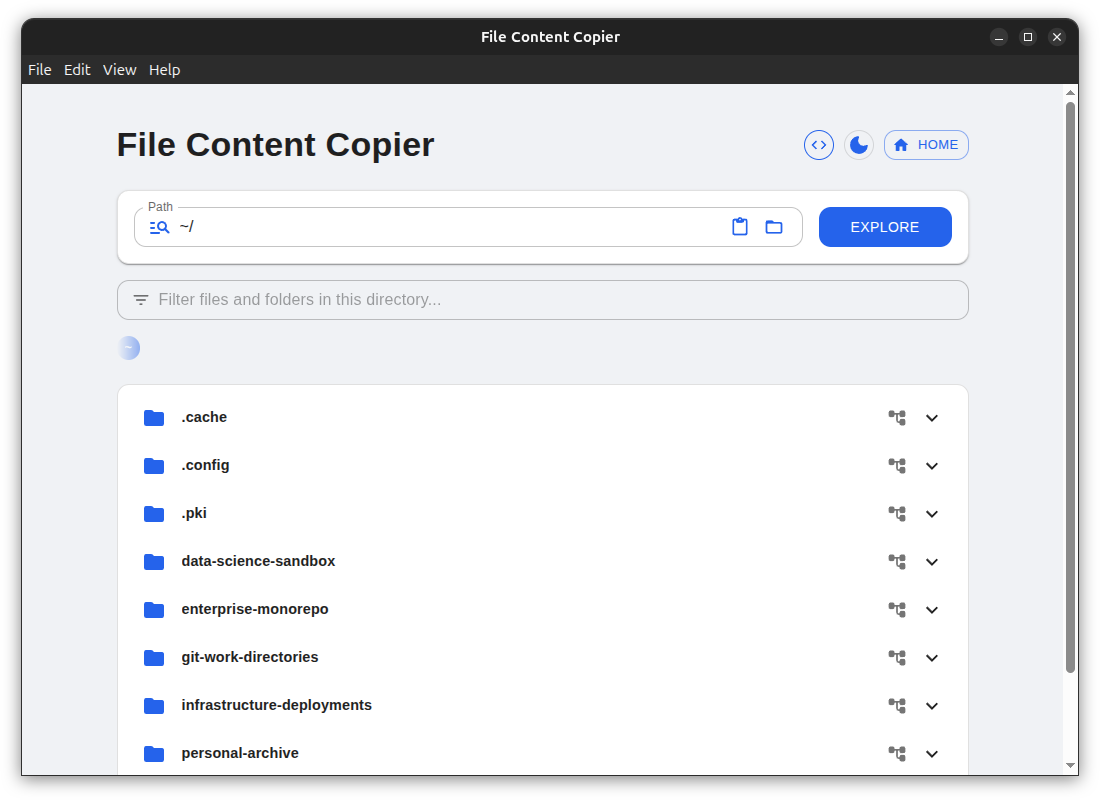
- Light and dark modes
- Smooth, unobtrusive animations
- A UI that stays out of your way
💻 Platform support
- Linux
- Windows
(macOS support may come later.)
💚 Free to use
This project is built to help — not to extract value.
It will be free to use, focused on trust, safety, usefulness, and longevity.
If it saves you time or removes friction, it has already done its job.
🚀 Learn more & get it
Downloads, screenshots, and the full feature overview will be available here:
👉 https://your-itch-io-link-here
Built with care, attention to detail, and deep respect for developers’ time and focus.
Download
Click download now to get access to the following files: